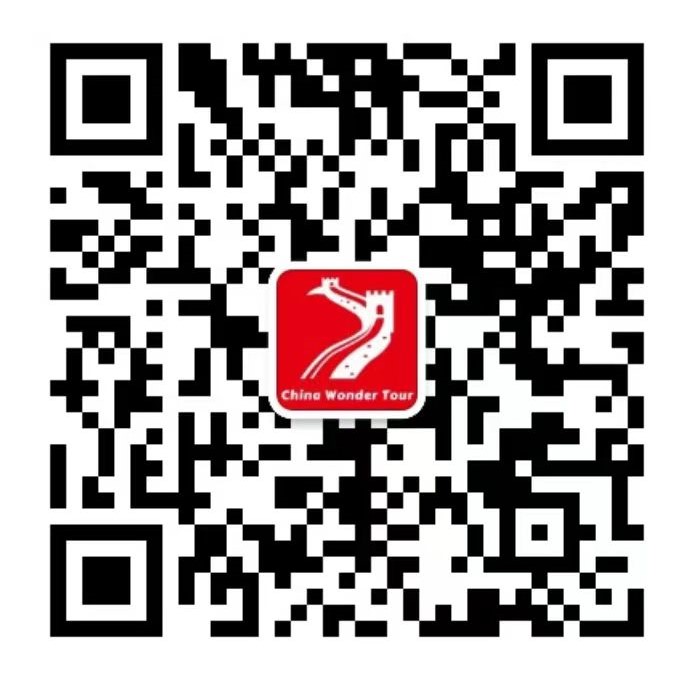
Scan to add us on WeChat
Shanghai Wonder Tours | Property ID: 6a7221676677831d43f6c037 | Widget: 1jv6t4vgs
3e4a97c698741711b5857e136e1f5ad3a5939d5bConfigure greeting messages that visitors see when they open the chat widget.
Set the message visitors see when agents are online:
Set the message visitors see when agents are offline:
Customize the chat widget to match the Shanghai Wonder Tours brand.
| Setting | Value |
|---|---|
| Widget Title | Shanghai Wonder Tours |
| Primary Color (Header) | #C8102E (Shanghai Red) |
| Background Color | #FFFFFF |
| Text Color | #333333 |
| Font Family | Inter, sans-serif |
| Border Radius | 8px |
| Widget Position | Bottom Right |
| Widget Style | Modern / Rounded |
Upload the Shanghai Wonder Tours logo (recommended: 200x200px PNG with transparent background). Use the red lantern icon (🏮) as favicon if no logo is available.
| Setting | Value |
|---|---|
| Bubble Type | Text + Icon |
| Bubble Text | Chat with us |
| Bubble Color | #C8102E |
| Bubble Position | Bottom Right |
| Offset X | 20px |
| Offset Y | 20px |
Add custom CSS to further style the widget:
/* Match brand colors */
#tawkchat-container .header-text { font-weight: 600 !important; }
.widgetHeader { background-color: #c8102e !important; }
Collect visitor information before they start a chat.
| Field | Type | Required | Label |
|---|---|---|---|
| Name | Text | Yes | Your Name |
| Yes | Email Address | ||
| Phone | Text | No | Phone / WhatsApp Number |
| Travel Date | Text | No | Approximate Travel Date |
| Message | Textarea | No | How can we help you? |
Create self-service articles that visitors can browse without starting a chat.
| Category | Description |
|---|---|
| Tour Booking | How to book, payment methods, cancellation policy |
| Tour Types | Private tours, group tours, day trips, multi-day tours |
| Destinations | Shanghai, Suzhou, Hangzhou, Zhujiajiao, Huangshan |
| Practical Info | Visa, weather, transportation, language tips |
| Pricing & Payment | Tour pricing, deposit, payment methods |
Set when your team is available for live chat.
| Day | Hours (Beijing Time, UTC+8) | Hours (UTC) |
|---|---|---|
| Monday - Friday | 9:00 AM - 9:00 PM | 1:00 AM - 1:00 PM |
| Saturday | 10:00 AM - 6:00 PM | 2:00 AM - 10:00 AM |
| Sunday | 10:00 AM - 6:00 PM | 2:00 AM - 10:00 AM |
Set up quick reply templates for common questions.
| Shortcut | Message Content |
|---|---|
/welcome |
"Hi! Welcome to Shanghai Wonder Tours! I'd be happy to help you plan your Shanghai trip. What type of tour are you interested in?" |
/price |
"Our private Shanghai tours start from $89 per person for half-day tours. Full-day tours start from $159. Multi-day packages are also available. Would you like a detailed quote?" |
/contact |
"You can reach us via:\nWhatsApp/Phone: +86 15347723823\nWeChat ID: chinawondertours\nEmail: [email protected]" |
/payment |
"We accept PayPal, bank transfer, and WeChat Pay. A 30% deposit is required to confirm your booking, with the balance due before the tour date." |
/cancel |
"Free cancellation up to 72 hours before your tour. Cancellations within 72 hours are subject to a 50% fee. No-shows are non-refundable." |
/languages |
"Our tours are available in English and Chinese. We can also arrange guides for French, Spanish, German, and Japanese speakers upon request." |
/pickup |
"We offer free hotel pickup within central Shanghai for all private tours. Airport/cruise port pickup is available for an additional fee." |
/custom |
"Yes! All our tours can be customized to your preferences. Tell us your interests, travel dates, and group size, and we'll create a personalized itinerary for you." |
/water |
"Water town tours (Zhujiajiao, Tongli, Zhouzhuang) are available as half-day or full-day trips from Shanghai. They include traditional boat rides, ancient architecture, and local cuisine." |
/multiday |
"Our multi-day tours include 2-5 day packages covering Shanghai + Suzhou, Hangzhou, Huangshan, and more. All include private guide, transportation, and hotels." |
The following features have been implemented in js/tawk-config.js and are already active on all 31 pages:
All chat events are automatically sent to Google Analytics (GA4) if the gtag function is available. Events tracked:
tawk_status_changetawk_chat_openedtawk_chat_minimizedtawk_chat_begantawk_chat_startedtawk_chat_endedtawk_visitor_messagetawk_unread_messageNote: Google Analytics GA4 ID (G-XXXXXXXXXX) still needs to be added to the website for this to work.
API Key: 3e4a97c698741711b5857e136e1f5ad3a5939d5b
This key is found in Tawk.to Dashboard → Profile → REST API Keys. To use the REST API for server-side automation (e.g., automatically creating knowledge base articles, managing agents), you need to:
Authorization: Basic base64(api_key:f)Base URL: https://api.tawk.to/v1/
| Task | Method | Status |
|---|---|---|
| Visitor Information Tracking | JavaScript API | ✅ Done |
| Event Tracking | JavaScript API | ✅ Done |
| Chat Lifecycle Callbacks | JavaScript API | ✅ Done |
| Auto-Popup Behavior | JavaScript API | ✅ Done |
| Google Analytics Integration | JavaScript API | ✅ Done (needs GA4 ID) |
| Welcome Messages | Dashboard | 📋 Manual Setup |
| Branding & Appearance | Dashboard | 📋 Manual Setup |
| Pre-chat Form | Dashboard | 📋 Manual Setup |
| Knowledge Base | Dashboard | 📋 Manual Setup |
| Operating Hours | Dashboard | 📋 Manual Setup |
| Shortcuts / Auto-Replies | Dashboard | 📋 Manual Setup |
Scan to add us on WeChat